




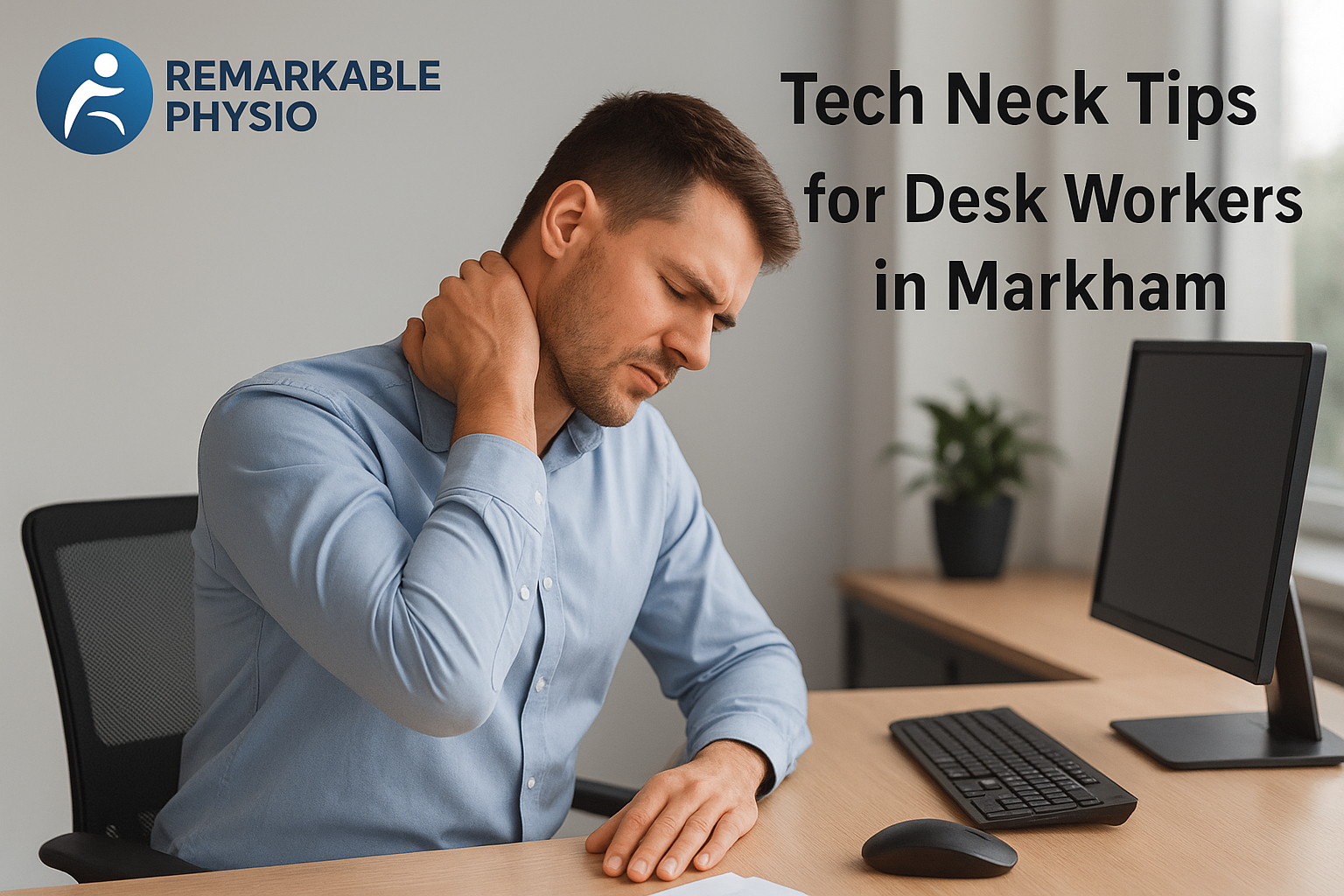
Tech Neck Tips for Desk Workers in Markham
Tech Neck Tips for Desk Workers in Markham
If you spend most of your day at a computer, you may notice stiffness at the base of your neck, tight shoulders, or a dull ache that shows up after long meetings. These symptoms can make it harder to focus, sleep comfortably, or finish the day feeling well.
Tech neck is a common term for neck and upper-back strain linked to prolonged screen use and forward head posture. For many people in Markham, ON, the issue builds quietly through workdays, commutes, and evening scrolling.
The good news is that small, consistent changes to your workstation and daily habits may help reduce strain. If symptoms are lingering or affecting daily life, an individualized assessment can help guide care.
What is tech neck?
Tech neck refers to the discomfort that can happen when the head sits forward for long periods, such as while looking down at a laptop or phone. This position can increase the load on the neck and upper back muscles, which may contribute to soreness, tightness, and fatigue.
It is not a single condition or a formal diagnosis. Rather, it is a practical way to describe a pattern of posture-related strain that is common among desk workers, students, and anyone who spends a lot of time on screens.
Common signs and daily triggers
- Neck stiffness, especially after sitting for a long time
- Tightness in the shoulders or upper back
- Headaches that increase after computer work
- Feeling like your head is “pulling forward”
- Discomfort when looking down at a phone or tablet
- Reduced tolerance for long work sessions at a desk
- Occasional upper-back fatigue or burning
Common triggers can include a low monitor, unsupported laptop use, poor chair setup, limited movement breaks, and held-tension habits such as shrugging the shoulders during stressful tasks.
How to help fix tech neck for desk workers in Markham
When it comes to tech neck, the most helpful changes are often simple and repeatable. The goal is not perfect posture all day; it is creating a setup and routine that reduces unnecessary strain.
1. Raise your screen
Your monitor should help you keep your eyes forward rather than down. If you use a laptop, a separate keyboard and mouse can make it easier to bring the screen to a more comfortable height.
2. Support your feet and hips
Sit with your feet flat on the floor or a footrest, and keep your hips back in the chair. A supportive chair and a small cushion or lumbar roll may help you sit with less effort.
3. Bring the work closer to you
Many people lean forward because their keyboard, mouse, or notes are too far away. Moving items within easy reach can reduce constant reaching and neck tension.
4. Take movement breaks
Regular micro-breaks may help interrupt stiffness. Even 30 to 60 seconds of standing, walking, shoulder rolls, or gentle neck movements every 30 to 45 minutes can make a difference over the day.
5. Change positions often
Alternating between sitting, standing, and walking is often better than holding one “perfect” position for hours. Movement is usually more supportive than trying to stay rigidly upright.
6. Relax the jaw and shoulders
Stress can show up as a held jaw, elevated shoulders, or shallow breathing. A few slow breaths and a quick shoulder reset can reduce unnecessary muscle tension.
7. Build neck and upper-back strength
Gentle exercises may help support posture over time. Common examples include chin tucks, scapular squeezes, thoracic mobility work, and strengthening for the upper back and deep neck muscles.
How Remarkable Physiotherapy approaches tech neck
At Remarkable Physiotherapy in Markham, ON, care for posture-related neck discomfort starts with a detailed assessment. The team looks at your symptoms, work setup, movement habits, and any related concerns such as [link to Back Pain page] or [link to Headaches page], since these can sometimes overlap.
Your care plan is individualized based on what is found during the assessment. Depending on your needs, this may include physiotherapy, manual therapy, therapeutic exercise, soft tissue release, myofascial release, or electrotherapeutic modalities. Some people also benefit from chiropractic care, massage therapy, or acupuncture as part of a broader plan.
For desk workers, the clinic may also review workstation habits and provide practical guidance that fits your routine. The aim is to support better movement, reduce repeated strain, and build a plan you can realistically follow at work and at home.
What to expect at your first visit
Remarkable Physiotherapy follows a simple process designed to make starting care straightforward:
- Book: Schedule online, by phone, or by email.
- Consultation: Share your symptoms, daily routine, and work habits during an assessment.
- Treatment: Receive individualized care based on your findings and goals.
- Follow-up: Review progress and adjust your plan as needed.
The first visit is also a good time to ask about desk setup, exercise options, and ways to build movement into a busy workday. If appropriate, your clinician may suggest a return-to-work approach or a home program to support your progress between visits.
When to see a professional
It is a good idea to get an in-person assessment if your neck pain is persisting, interfering with sleep or work, or not improving with basic posture changes. Prompt evaluation is especially important if you notice numbness, tingling, weakness, dizziness, balance changes, recent injury, or worsening headaches.
A clinician can help determine what may be contributing to your symptoms and whether further assessment or treatment is appropriate. This is especially important if you are dealing with symptoms in more than one area, such as neck discomfort with shoulder pain or upper-back stiffness.
FAQ
Can tech neck go away on its own?
Sometimes symptoms settle when you change the habits causing strain, but that is not always enough. If the discomfort keeps returning, a professional assessment may help identify which posture, movement, or work-related factors need attention.
Do I need to sit up straight all day?
No. Trying to hold one rigid posture often makes people feel more tense. A better goal is to vary positions, set up your desk more ergonomically, and move regularly throughout the day.
What kind of treatment may help with tech neck?
Depending on your assessment, care may include physiotherapy, manual therapy, massage therapy, acupuncture, targeted exercise, and advice on workstation changes. The right plan depends on your symptoms and tolerance level.
How long does it take to feel better?
That varies from person to person. Progress depends on how long symptoms have been present, your daily workload, your workstation setup, and how consistently you can follow the plan recommended during your assessment.
Take the next step in Markham
If tech neck is making workdays harder, Remarkable Physiotherapy in Markham can help you explore practical options. The clinic is open 7 days a week, offers direct billing to most major insurance providers, and welcomes people looking for care that is calm, evidence-based, and individualized.
Book an appointment online at remarkablephysio.janeapp.com, call +1 289-800-0441, or email remarkablephysio@gmail.com. You can find the clinic at 8 Shadlock St #1, Markham, ON L3S 3K9, Canada.
This content is educational and not a substitute for individualized professional assessment.